Key Highlights
- Why local SEO matters for businesses that serve a community or city.
- The key elements are: business listings, consistent NAP, reviews, content, backlinks, technical setup, and user experience.
- How to run a local SEO optimization process: audit, fix, monitor, and maintain.
- How using tools such as Semrush or Ahrefs can help you benchmark and compare with competitors.
- How reviews, citations, structured data, and on‑page content impact visibility and trust.
- What kind of long-tail products and services, and local content to create to attract high-intent local searchers?
If your business relies on local customers, you need to be visible in local search results. That means showing up on Google when people nearby search for what you offer. Today, most people use their phones to search. Google works hard to give them fast, relevant answers. That includes results based on location. For local businesses, this creates both opportunity and competition.
Over the years, Google’s updates have made local SEO more complex. Changes like the Pigeon update connected the map and web searches more closely. It also made location-based keywords more important. Now, ranking in the local 3-pack is harder. You’re not just competing with other local businesses; you’re also competing with ads and paid listings that push organic results further down.
So how do you win? You need to understand where your business stands, what needs fixing, and how to get ahead. In this guide to local SEO, we'll explore how to do this.
You’ll get a clear checklist to help you spot problems and improve your visibility. You’ll also learn how to build a local SEO plan based on how people search and what they expect to find. And while organic traffic is important, we’ll also look at where paid tactics might help you reach your audience faster
What is Local SEO?
Local SEO is the process of improving your online visibility so people nearby can find your business when they search on Google or other search engines.
It focuses on showing your business in search results for location-based queries, like
- “best coffee shop near me”
- “plumber in [city]”
- “dentist that is open now”
Local SEO helps your business show up in:
- The Google Map Pack (also called the local 3-pack)
- Google Maps results
- Organic search results with location-specific keywords
It includes:
- Optimizing your Google Business Profile
- Managing local citations and listings (like Yelp, Yellow Pages)
- Getting reviews and responding to them
- Creating content that targets local keywords
- Ensuring consistent NAP citations across the web
Why it matters:
- Most local searches lead to action. About 76% of people who search for something nearby visit a business within a day.
- You get found by customers who are ready to buy or book.
- You compete more effectively in your local area, even without a big ad budget.
28% of local searches result in a purchase. That’s a strong reason to focus on showing up when nearby customers are searching.
Why is Local SEO Important?
Local SEO is important because it helps the right people find your business at the right time, when they’re nearby and ready to act.
Here’s why it matters:
- Most people search locally: Over 46% of all Google searches have local intent. That means users are looking for products or services near them.
- Local searches lead to visits: Around 76% of people who search for something nearby visit a business within a day. That means visibility drives real foot traffic and phone calls.
- Mobile searches dominate: As mobile use grows, so do “near me” and voice searches. Local SEO ensures your business shows up in these results.
- It builds trust and credibility: A strong presence in Google’s local results, along with good reviews and accurate info, makes your business more trustworthy.
- You stand out from the competition: With the right local SEO strategy, you can outrank competitors in your area, even those with larger budgets.
Local SEO puts your business in front of high-intent customers when they’re ready to buy or book. It’s one of the most effective ways to drive traffic, leads, and sales from your own community.
How Does Local SEO Work?
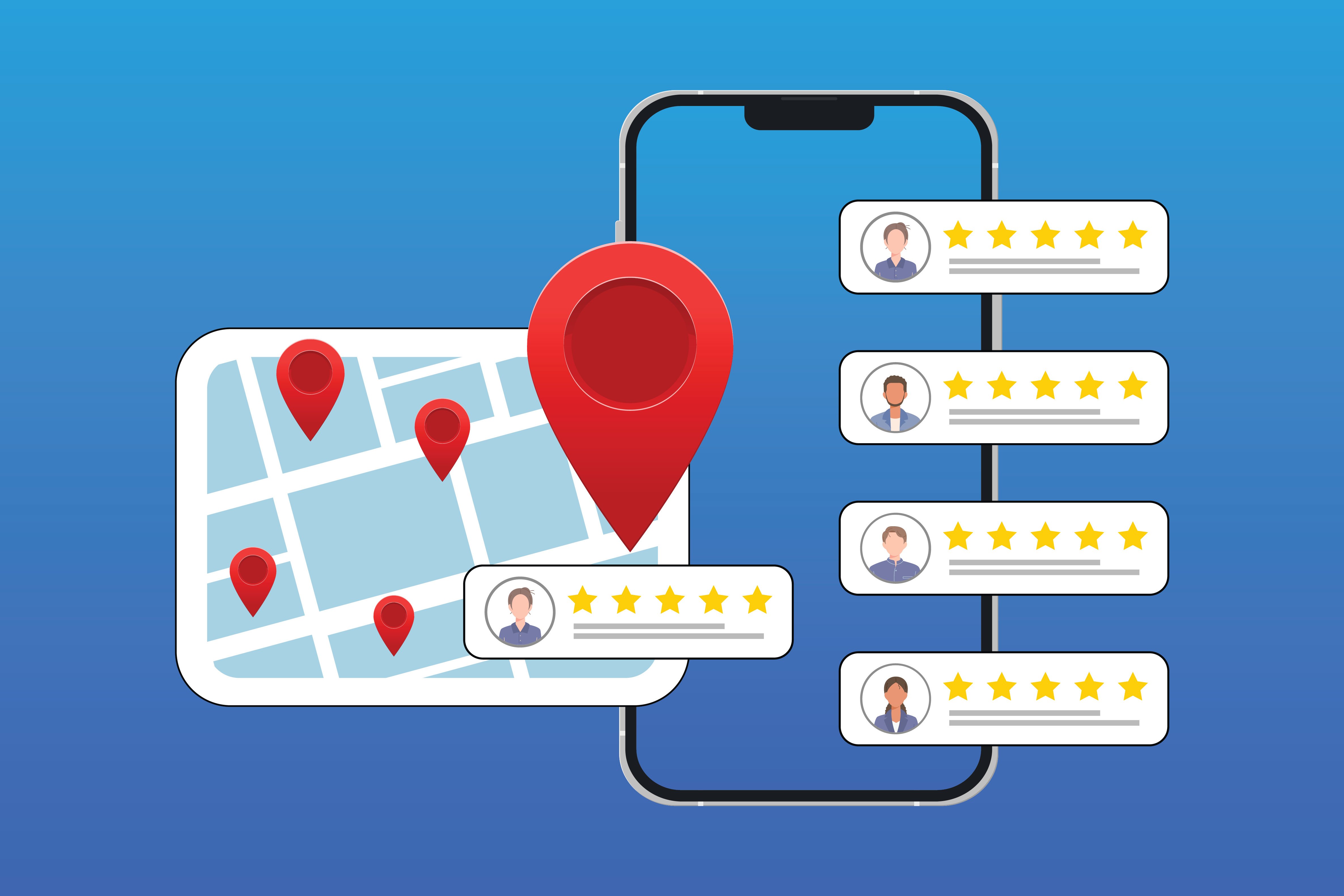
Local SEO works by helping search engines understand what your business offers, where you're located, and how relevant and trustworthy you are for local searches.
Here’s how it works step by step:
1. Google Business Profile (GBP) Optimization
- Google uses your GBP to show your business in Maps and the local 3-pack.
- You need to claim and verify your listing.
- Keep your business name, address, phone number, and hours accurate.
- Add categories, services, photos, and respond to reviews.
2. Local Keywords
- Use keywords that include your location and service.
- Example: “emergency plumber in Chicago”
These keywords should appear on your website, in page titles, and in content.
3. NAP Consistency
- Your Name, Address, and Phone number should be consistent across all platforms:
- Your website
- Directories (Yelp, Facebook, Yellow Pages, etc.)
- Industry listings
NAP = Name, Address, Phone Number. Google compares this data across your site, directories, and maps listings. Any mismatch can hurt your rankings.
4. Local Business Directories / Citations
- These are online mentions of your business name and contact info.
- Google uses them to confirm your business exists and is active. More accurate citations help improve your local trust score.
5. Online Reviews
- Positive reviews help your chances of ranking higher and influence customer decisions.
- Google also factors in how often you get reviews and how you respond to them.
6. On-Page SEO
- Your website must be fast, mobile-friendly, and secure.
- Use structured data (local business schema) to help Google understand your content.
7. Backlinks from Local Sources
-
Links from local news, blogs, or business groups show Google you’re part of the community.
- This helps boost your authority in local search.
8. Behavioral Signals
- Google looks at how users interact with your business:
- Clicks on your listing
- Calls
- Driving directions
- Time on site
In short, Local SEO sends strong location signals to Google and helps match your business with nearby customers looking for what you offer.
How to Do Local SEO
-3.png?width=1600&height=900&name=unnamed%20(1)-3.png)
- Claim and complete your business listing (Google Business Profile or equivalent).
- Make sure your Name, Address, and Phone (NAP) are correct and match across all platforms.
- Use local keywords on your website (city, neighborhood, services).
- Publish content that helps users, like location-specific service pages or helpful local guides.
- Build citations on trusted directories and local websites.
- Collect real customer reviews and respond professionally.
- Add schema markup (Local Business schema) to help search engines display your info correctly.
- Ensure your website loads quickly, is secure, and works well on mobile.
- Earn or build backlinks from local partners, publications, or community sites.
- Monitor performance using tools like analytics, search console, or listing insights.
Local SEO Tips and Must-Do's
1. Start with a comprehensive audit
Begin by reviewing your current setup. Check your business listings, citations, website structure, on-page content, backlinks, and customer reviews. Record what is accurate and identify any issues that need to be fixed.
2. Website & Landing Page Optimization
Ensure that your website delivers a smooth user experience with landing page optimization. It should load quickly, work well on mobile devices, and clearly highlight your business location and services.
Local Landing Page Optimization Checklist
1. Basic Business Info (NAP)
- Use crawlable HTML (not images) for your Name, Address, and Phone Number
- Match your NAP exactly with what's on your Google Business Profile
2. Structured Data
-2.png?width=500&height=333&name=unnamed%20(2)-2.png)
- Add Schema.org markup to your NAP using the LocalBusiness schema
- Avoid outdated formats like hCard
3. Business Hours
.png?width=218&height=173&name=unnamed%20(3).png)
- Post hours in text, not in images
- Keep them updated and match them to your Google listing
4. Clear Site Structure
.png?width=228&height=32&name=unnamed%20(4).png)
- Use a logical URL with city and state included (e.g., /locations/toronto-on/)
- Keep navigation simple and consistent
5. On-Page Content
-
Add at least 500 words of useful, unique content
- Include local keywords naturally (city and state)
- Focus on what users want to know: services, team, location info, etc.
.png?width=512&height=114&name=unnamed%20(5).png)
- Make sure the landing page is indexed
- Search for the URL in a private browser window to confirm
7. Meta Tags
- The title tag should include the city and state
- Meta description should include business name, location, and phone number
8. Headings (H1)
.png?width=512&height=28&name=unnamed%20(6).png)
- Use only one H1 tag per page
- Include the city and state in the H1
9. Map and Directions
- Embed a Google Map of your location
- Include brief written driving directions
10. Customer Reviews
- Add real testimonials to the page
- Use review schema markup so Google can display stars in search
11. Images and Alt Text
- Use clear images of your business or team
- Add ALT tags with location info where appropriate
12. Page Speed
- Your page should load in 2–3 seconds
- Test using GTmetrix or Google’s PageSpeed Insights
13. Mobile Experience
- Make sure the page works well on all devices
- Buttons, forms, and text should be easy to use on mobile
14. Avoid Keyword Stuffing
- Use keywords naturally
- Write for users first, not just for rankings
15. Check Domain Authority
- Compare your site’s authority with competitors using MozBar or Ahrefs
- Build quality backlinks to improve
16. WHOIS Info
- Your registered contact details should match your business NAP
17. Install Tracking Tools
- Google Analytics: track visits and behavior
- Google Search Console: monitor search performance
Bing Webmaster Tools: for visibility on Bing
🔎Key Takeaway: A full local SEO audit will highlight issues in your listings, website, and backlinks. Start here before you optimize; you can't fix what you haven't measured.
3. Basic Location Information
Your business name, address, and phone number must be identical across your website, Google Business Profile, and all third-party listings. Any inconsistency can hurt your local rankings and confuse customers.
4. Analyze and Maintain “Google Business Profile” Page
Find the proper Google Business Profile (GBP) URL and record it in your Local SEO Audit Spreadsheet. Follow Google’s guidelines to ensure your business's NAP, category, subcategories, and other items are represented properly on your MB listing. The following are GBPaudit activities:
.png?width=668&height=558&name=unnamed%20(7).png)
-
Locate and claim the proper GBP page.
-
Find and destroy duplicate listings.
-
Ensure local listing is not penalized.
-
Make sure your GBP is associated with a valid business email address (i.e., not a generic Gmail address)
-
Listing is verified.
-
Correct business name.
-
Correct address.
-
The correct phone number that is consistent with your website and other listings (i.e., not an 800 number).
-
Proper URL to the right page on the website. Depending on your site structure and the number of locations you have, it may make sense to link to either the home page of your website or a landing page that is designated to that location.
-
Proper category and sub-categories selections.
-
High-quality profile, cover page, interior, and exterior photos/images.
-
Accurate business hours.
-
Profile 100% complete.
5. Reviews & Reputation Management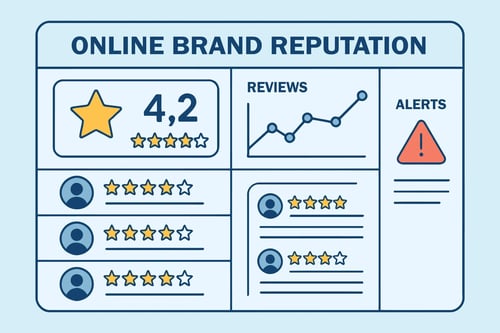
- Ask satisfied customers to leave honest reviews. Respond to all feedback in a respectful and timely manner, including negative reviews, to show you care about customer experience. With reviews, there are several attributes to address, including:
- Positive Sentiment – A positive sentiment helps increase the search engine and consumer confidence in your business.
- Uniqueness – avoid replicating the exact same review across different web pages—they may be ignored.
- From Power User – some services, like Yelp, have power or elite users, where reviews from those users carry more weight.
- Google Business Profile reviews – Do you have at least 10 reviews with a 4-star or higher aggregate? If not, work on it. In some industries, 10 reviews are just a starting point. Reviews must be natural, legitimate, and left for a business according to the guidelines. Unlike Yelp, Google guidelines allow you to remind customers to provide a review.
- Top third-party review sites - Record the major third-party review sites for your niche. Ensure they have at least 5-10 reviews with at least a 4-star rating. Depending on your niche, look at Google Analytics and check out the referral traffic. Sort this by the top referrals and see which sites are sending the most traffic to your site. If they allow reviews, it's a good idea to raise your rating by adhering to the third-party reviews site's guidelines and obtaining them when possible. Also, read bad reviews and be sure to address them.
- A proper response to negative reviews – start with a sincere apology and take action to address the issue. You may also take the issue offline if the directory allows it (Yelp does). If the review is in violation of the directory policy, request that it be removed. Otherwise, the best way to overcome negative reviews is to have a lot more positive reviews.
6. Citation Analysis and Continuous Improvement
Focus on getting your business listed in high-authority directories, industry-specific platforms, and local community websites. Make sure your information is accurate and current.
These are the items to include in your citations optimization activities:
-
Check data aggregators and the top 50 citations – These are companies that supply business databases for local search directories. They are the data holders that submit your business information to other directories. The main data aggregators in the United States are Infogroup, Localeze, Acxiom, and Factual. Make sure your business is listed correctly without duplicates by these aggregators and is in the top 50 listings. The best way to start this is through MozLocal. It is worth the cost because if you wanted to check the aggregators yourself, it would cost you a lot more than the cost of a MozLocal yearly subscription.
-
Identify new high-quality citation sources - If your top 50 citations are in good shape, there may still be a few more you want, depending on your industry. You might want to get quality unstructured citations or mentions in local and major newspapers and publications when possible. Additionally, learn which niche sites are available for your type of business. BrightLocal has a great resource to find niche-specific citations.
-
Establish an ongoing local link-building strategy. Check out this guide by Mathew Barby in Search Engine for a creative list of local link-building strategies
-
Verify your business is on Apple Maps - Visit Apple Maps Connect, log in, and make sure your business NAP is correct.
7. Organic Link Building & Penalty Analysis and Correction
If you are working with an existing website, audit your backlinks to find any spammy or low-quality links. Disavow or remove these links to avoid penalties and protect your search rankings. The following are key activities and outcomes of a link and penalty audit:
-
Verify that there is no manual webspam action – Be sure that your site is verified with Google Search Console (GSC), then in GSC, simply click on the manual actions tab to make sure there are no penalties. If there are, this will become your top priority to fix.
-
Check for algorithmic penalties – Start with Google Analytics to spot trends. You can use a tool that will align your traffic numbers with the dates of known algorithmic updates. The Penguin tool makes this easy. Although this can be tricky, your goal is to determine if there are any algorithmic penalties and what you can do to fix them. This Moz guide on Google Algorithm changes can be helpful.
-
Number and quality of links relative to your competitors - Record the number of links to your landing page and root domain, and compare it to your competitors. This will help you identify potential issues with spammy links and take immediate action to fix them. You can do this using the MozBar.
-
Anchor text of links - Anchor text is the text that appears highlighted in a hypertext link, and that can be clicked to open the target web page. Your anchor text distribution is very important to organic SEO. Your link profile should appear natural, and the quantity of them will depend on your industry. Brand anchor text should always occur more often than commercial keywords. Here is a guide by Powered By Search to help you conduct this analysis.
-
Link velocity – Avoid building too many links fast. If you write something great and it goes viral, that’s wonderful. Make sure that the speed at which you build links is natural. Review any spikes for problems.
- Disavow File – Be sure the disavow file in GSC exists and is updated monthly to include any bad links, whether they were intentional or from negative SEO. This will be your saving grace if an algorithmic penalty exists and there is a Penguin update that takes any disavow you may have into consideration.
8. Social Analysis
Build relationships with local organizations, blogs, and event groups. Contribute useful, locally focused content that strengthens your presence in the community.
9. Competition Analysis
Identify your local competitors and analyze their online presence. Look at their backlinks, citations, and content strategy. Use this research to find high-value opportunities you may have missed.
Here are the activities to consider in a competitor analysis:
-
Identify them - Find 3-7 competitors for your niche and record them in the spreadsheet with their NAP and GBPPage information.
-
Conduct and record the competitor analysis related to the following factors:
-
Figure out the domain authority of their root domain using the Moz Toolbar
-
Figure out the page authority of the Google Business Profile landing page using the Moz Toolbar.
-
The number of links from the root domain.
-
The number of links each has from unique domains.
-
The number of citations and the ones that are detected.
There are several tools that help make this audit easier, including Moz Local, BrightLocal, and Whitespark.
With this analysis, you’ll have a snapshot of your strengths and weaknesses relative to your competitors and develop an idea of where you will want to be. You can then develop an informed strategy to get more authority from stronger sites and develop your brand online.
10. Evolving and Expanding your Strategy
Local search trends and algorithms change over time. Regularly review your strategy, website content, and local listings to keep up with how your customers search and what competitors are doing. Here are a few questions you want to be asking: Here are a few questions you want to be asking:
- What websites, other than your business, have the most visibility for the topics and keywords relevant to your business?
- Are your customers using voice search?
- Are you optimizing for “near me” searches? These have been on the rise.
- Should you be doing more ads, especially in the local pack?
- Should you be looking at whether and how snippets can help your business?

Need Help with Ranking Higher?
Having top visibility in search results is important for businesses competing locally. Organic search algorithms and local search algorithms are more intertwined now, and results compete with paid listings for prime placement. To get a spot at the top of the results, your business needs to follow the 10 basic areas discussed here. This requires a careful and consistent process of optimizing, not quick fixes.
If you use tools like Semrush or Ahrefs, you can compare your metrics to competitors. Use the data to improve weak spots. With careful management of citations, reviews, and site content, you can increase your chances of ranking higher and being more visible to local customers.
You also need to maintain accurate information on all third‑party listings. This confirms that your business is legitimate and helps search engines trust your presence.
With the right mix of audit, cleanup, content, and ongoing maintenance, you improve your odds of climbing the rankings and getting found by local customers ready to engage. This is where WSI World comes in. We are one of the World’s largest digital marketing agencies, with over 30 years of experience in local SEO.
📊 Local SEO Insight: Businesses in the Google 3-pack get 93% more calls and clicks than those ranked below. Make this your local SEO priority.